AI Automation
AI Agents vs. Workflow Automation: When to Use Which
Teams keep asking me to "add an agent" to systems that don't need one. Settling the question of AI agents vs workflow automation sounds academic until you've paid the bill for the wrong choice — one is predictable and cheap, the other is flexible and expensive. This is how I explain the difference to clients, and the framework I use to decide which belongs in a build.
What Each One Actually Is
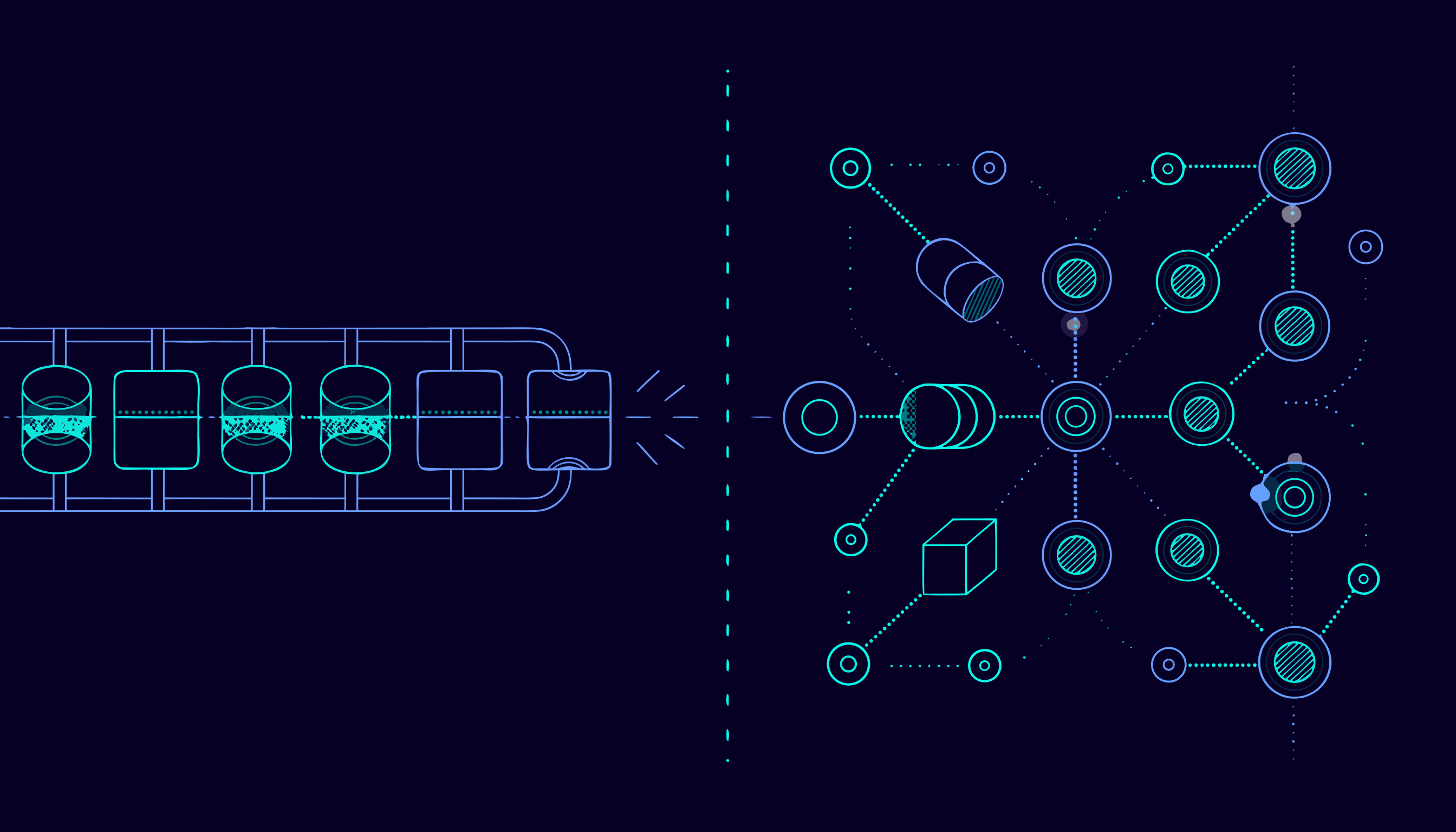
Workflow automation is a fixed sequence of steps defined by a person. Trigger, transform, act, repeat. Zapier, Make, n8n, and a plain cron job with a Python script all live here. Every path through the workflow was written in advance; if the input doesn't fit one of those paths, the workflow fails or routes to an error handler.
An AI agent is a loop. You give a model a goal, a set of tools, and a stopping condition, and the model decides at runtime which tools to call, in what order, and when it's done. The path isn't written in advance — it's chosen per request. That's the entire difference, and everything else follows from it: cost, reliability, debugging, and the kind of problem each one is good at.
A useful test: if you can draw the flowchart on a whiteboard in five boxes, you're describing a workflow. If the number of steps genuinely varies depending on what the input turns out to be, you're describing an agent.
Where Deterministic Workflows Win
Workflows are the right answer more often than people expect. They shine when:
- The steps are known. An order arrives, you validate it, update inventory, email the customer. Same path every time.
- Volume is high and cost matters. A workflow run costs compute and nothing else. An agent run costs tokens at every reasoning step.
- You need auditability. Regulated processes, refunds, access changes — you want a log that says exactly why each step happened.
- Latency matters. A workflow executes in the time its slowest API call takes. An agent may think, retry, and call three tools before answering.
- Failures must be boring. When a workflow breaks, it breaks at a known step with a known input. You fix it and move on.
I've shipped plenty of systems with zero agents in them: scheduled data pipelines, lead enrichment, report generation, webhook fan-out. "AI automation" and "AI agents" are not the same category, and conflating them is how budgets get misallocated.
Where AI Agents Earn Their Keep
Agents are worth the cost when the path genuinely can't be predicted:
- Unstructured input. An email or chat thread where the intent, the entities, and the required action all vary. Classifying first, then branching, only gets you so far.
- Multi-step investigation. "Find why this order never shipped" means checking order records, tracking events, carrier status, and past support messages — in an order you don't know upfront.
- Tool selection from a large surface area. Give a model twelve tools and a goal; it picks the two or three relevant ones for this request.
- Long-tail cases. Workflows handle the 80% of inputs that fit a template. Agents are for the 20% that don't, where the alternative is a human reading every message.
The honest caveat: an agent is only as good as its tools. A model with well-defined functions — search, read record, send message — behaves far better than one handed raw API documentation and told to improvise.
The Trade-Offs, Honestly
| Dimension | Workflow automation | AI agent |
|---|---|---|
| Cost per run | Predictable, near-zero marginal | Metered by tokens and tool calls |
| Reliability | Deterministic given the same input | Probabilistic; needs evals |
| Flexibility | Only handles anticipated cases | Handles novel cases |
| Debugging | Read the failing step | Read traces, prompt, and tool outputs |
| Build effort | Low to medium | Higher: tools, guardrails, evals |
| Best volume profile | High volume, steady | Lower volume, high variance |
The debugging row is the one people underestimate. When a workflow sends the wrong email, you open the step and see the wrong value. When an agent does the wrong thing, you're reading a trace and reasoning about why the model chose a tool it shouldn't have. That investigation takes longer, and it recurs whenever the model or the prompt changes.
A Decision Framework I Use
Five questions, in order:
- Can I draw the full flow in under five boxes? Yes → workflow. No → keep going.
- Does the input variation change the steps, or just the values? Values → workflow. Steps → agent.
- What does a wrong action cost? High cost → workflow with a human review step, regardless of what else you decide.
- What's the monthly volume? High volume with steady structure → workflow; agents get expensive fast when you point them at every request.
- Can you test it? If you can write twenty example inputs and the expected outputs, you can build an eval. No eval, no agent in production — that's a demo, not a system.
Most real systems end up as a hybrid: a workflow owns the structure, and one step inside it is an agent handling the messy part. A support pipeline that classifies a ticket with rules, hands genuinely ambiguous ones to an agent for triage, and then runs a fixed escalation workflow is a design I've used more than once.
How I Combine Them in Practice
The pattern that keeps both worlds manageable is workflows for orchestration, agents for judgment.
The workflow owns triggers, sequencing, timeouts, logging, and notifications — everything that must be deterministic. At exactly one or two points, it calls an agent (or a model with a structured output contract) to make a decision: extract these fields, choose a category, draft a reply, decide whether this needs a human. The agent's output becomes a validated value the workflow consumes like any other.
Three rules keep it healthy:
- Constrain the output. Have the model return JSON against a schema you validate. Anything that fails validation goes to the review queue, not to production.
- Bound the loop. Cap tool calls and iterations per run. An agent with unlimited retries is an unbounded bill.
- Ship evals with it. Keep a folder of real inputs and expected outcomes, and run it whenever a prompt, model, or tool changes. It's the only thing that tells you a change was safe.
That structure also makes the hybrid legible to a non-technical team: they can see the workflow steps, and the agent shows up as one box that says "triage this message." I walk through a full system built on this pattern in From Manual Entry to Automated: How an AI Workflow Gets Built.
FAQ
Are AI agents just workflows with an LLM inside?
No. A workflow with a model call in the middle is still a workflow — the model fills in a value, but the path is fixed. An agent decides its own path at runtime by choosing which tools to call next. The moment you're relying on the model to decide what happens, you've left deterministic territory.
Which is cheaper to run?
Workflows, almost always. Each run is a handful of API calls, and often none. Agents consume tokens on every reasoning step and every tool call, so cost scales with how hard the request is. Route high-volume, structured traffic to workflows and reserve agents for high-variance cases.
Can I start with a workflow and add an agent later?
Yes, and I recommend it. Build the deterministic 80% first, with logging on everything. The logs will show you exactly which inputs the workflow can't handle — that's your agent's job description, with real examples to build an eval from.
How do I know an agent is working before I trust it with customers?
Build an eval set from real inputs with expected outcomes, run it on every change, and put a human review step in front of any action with meaningful cost. If you can't measure it, you can't ship it — a demo that works on five hand-picked examples tells you nothing about the other five hundred.
If you're weighing an agent build against a simpler automation, the answer is usually decidable in one conversation — and the cheaper option is often the right one. Get in touch and I'll tell you which I'd build for your case. More of my production work is documented in selected work.